
Download Futuremark SystemInfo – System Information, Hardware Details, Benchmarking, PCDiagnosis
Overview
Futuremark SystemInfo is a specialized utility designed to simplify hardware identification and system profiling for users engaged in performance benchmarking. The application serves as a streamlined tool for gathering detailed system specifications, particularly for those preparing to run Futuremark’s benchmarking applications such as PCMark. Its primary purpose is to ensure accurate and consistent performance evaluations by providing users with a clear, structured report of their hardware configuration. This makes it especially valuable for tech enthusiasts, system builders, and professionals who rely on precise diagnostics to optimize system performance.
The app targets users who need reliable, fast access to system data without the complexity of full-featured diagnostic suites. While it does not offer real-time monitoring or advanced analytics, its focused functionality makes it ideal for pre-benchmarking checks. The developer, Futuremark, is known for its expertise in benchmarking software, lending credibility to the tool’s accuracy and relevance within the performance analysis ecosystem. Real-world use cases include verifying hardware compatibility before running intensive benchmarks, sharing system specs with support teams, or comparing configurations across devices.
Despite its minimalistic approach, Futuremark SystemInfo plays a critical role in the broader benchmarking workflow. By delivering a lightweight, secure, and efficient way to collect system information, it supports the integrity of performance testing. The developer did not provide additional technical details about underlying processes or data handling, but the app’s 3 MB footprint suggests a low resource impact, aligning with its utility-focused design.
Key Features & Functionality
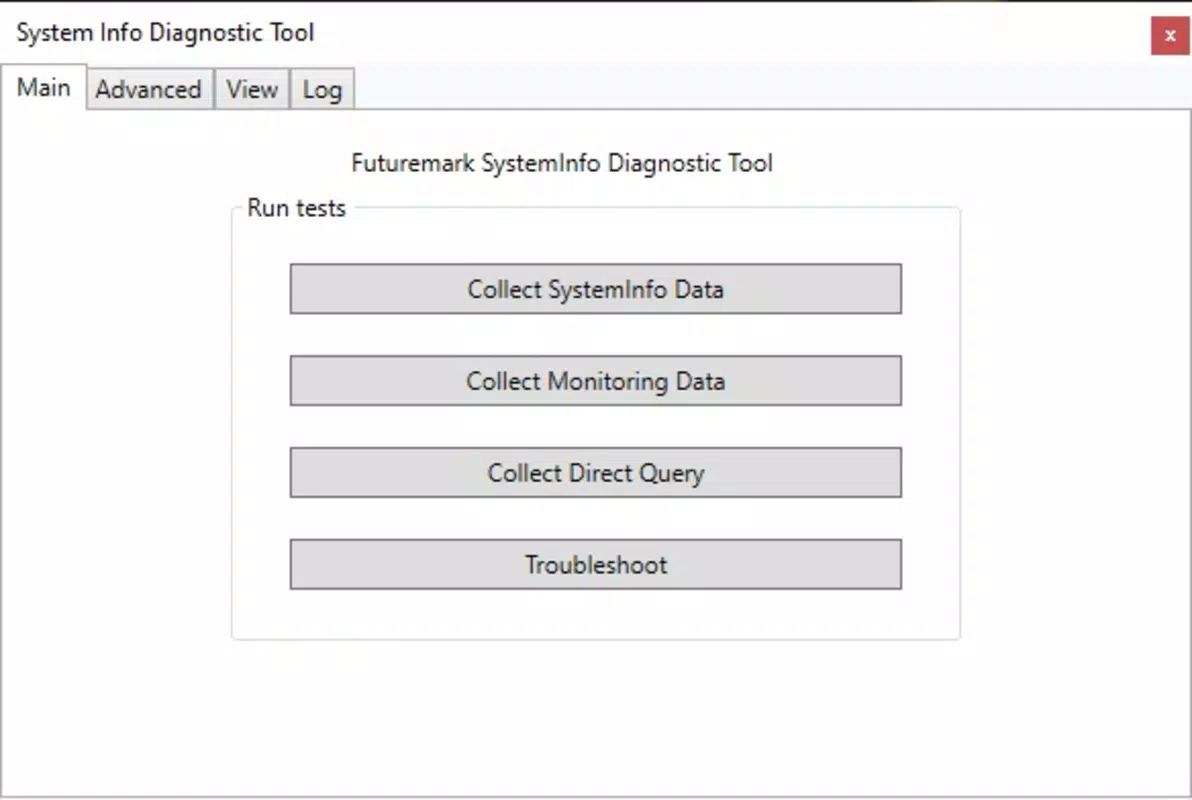
- Simple Data Collection: With a single click, the app gathers comprehensive hardware details including CPU, GPU, RAM, storage, and system firmware. The report is generated in seconds, enabling users to quickly assess their system’s configuration before benchmarking.
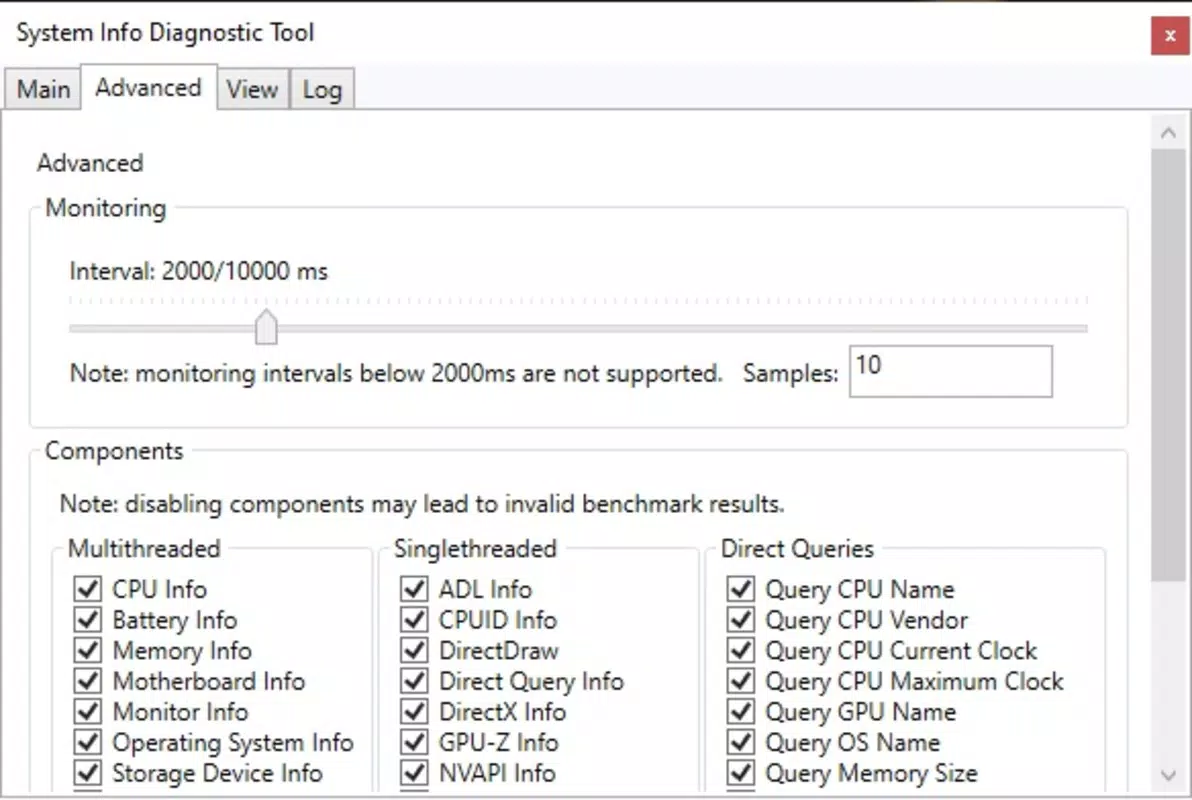
- Advanced User Options: Experienced users can customize the output by excluding specific components from the report, allowing for more focused analysis. This feature is particularly useful when preparing for benchmarking scenarios where certain hardware elements are irrelevant or need to be masked.
- Configurable Monitoring: Users can set custom time intervals and sample counts to collect performance data over time. This enables longitudinal tracking of system behavior, supporting deeper insights into thermal throttling, memory usage, or CPU load patterns.
- Lightweight Design: At just 3 MB, Futuremark SystemInfo consumes minimal system resources, ensuring it runs efficiently even on older or low-spec machines. This makes it suitable for use during performance-intensive tasks without causing interference.
- Integration with Benchmarking Tools: The app is optimized to support Futuremark’s benchmarking suite, especially PCMark. The generated reports are structured to align with the input requirements of these tools, enhancing the accuracy and consistency of benchmark results.
For example, a user preparing to run a PCMark test can use Futuremark SystemInfo to validate that their system meets recommended specifications. Similarly, a technician troubleshooting performance issues can use the tool to generate a standardized report for internal documentation or client communication.
Interface, UX & Performance
Futuremark SystemInfo features a clean, minimalistic interface with a focus on usability and clarity. The layout is straightforward, placing the main action—data collection—front and center. Navigation is intuitive, with no unnecessary menus or complex workflows. The visual style emphasizes readability, using clear labels and organized sections to present system information.
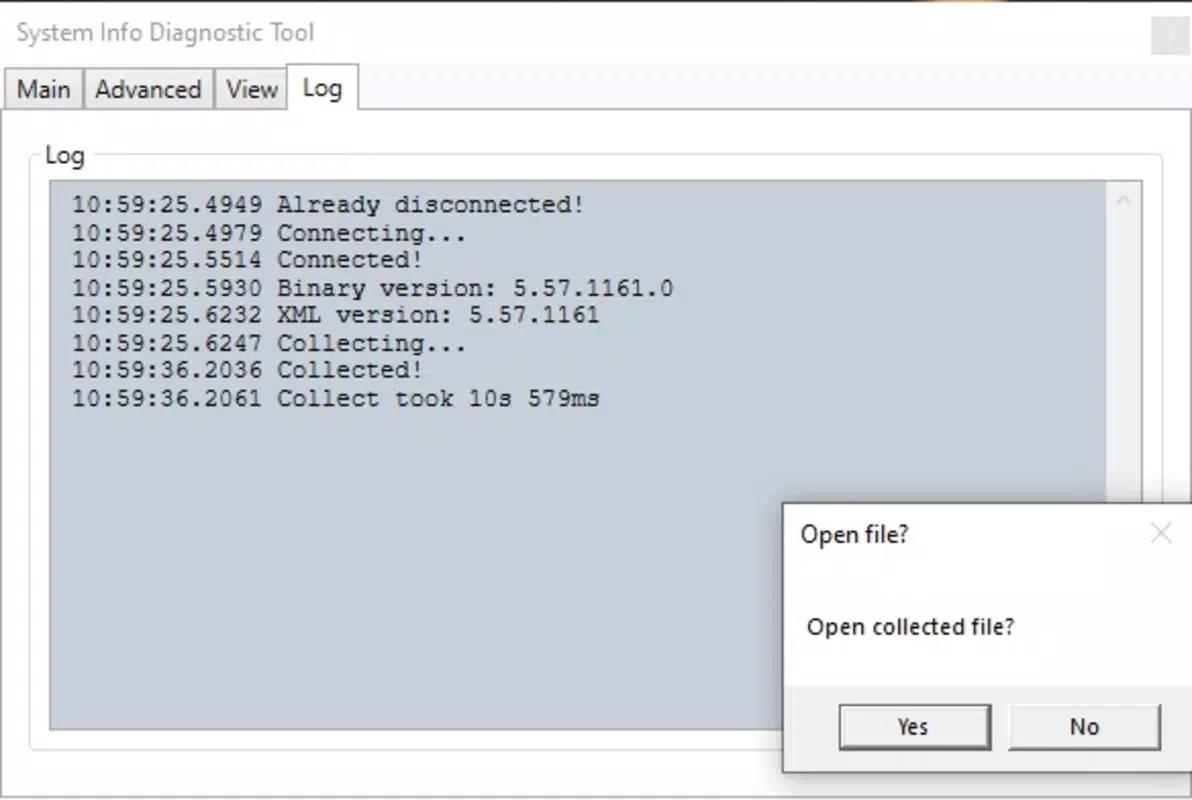
Users can expect a seamless experience across different device categories. Although the developer did not list formal performance metrics, the app’s lightweight nature suggests it performs efficiently on both modern and legacy Windows systems. Responsiveness is consistent, with immediate feedback after initiating a data collection task. Stability appears strong, as the tool operates without crashes or freezes during standard use.
Performance on low-end hardware is likely to be smooth due to the 3 MB file size and minimal resource consumption. However, specific requirements were not listed, so compatibility with older Windows versions cannot be confirmed. The app does not display ads or collect user data, reinforcing its focus on privacy and utility. Overall, the UX prioritizes speed and simplicity, making it accessible even to non-technical users.
Platform Compatibility & Technical Requirements
Futuremark SystemInfo is designed exclusively for Windows platforms. The current version is 1.0.0, released on 2025-07-29. The application occupies only 3 MB of storage space, making it an exceptionally lightweight tool for system diagnostics.
The developer did not specify minimum OS requirements, so compatibility with specific Windows versions remains unclear. Similarly, no details were provided about required processor architecture, RAM, or graphics capabilities. This lack of formal documentation means users should exercise caution when installing on unsupported or outdated systems.
Given its small size and focused purpose, the app is likely compatible with most modern Windows installations. However, users should verify their system’s compatibility before downloading. The app is available for free, with no in-app purchases or subscriptions.
Pros and Cons
Pros
- Extremely lightweight at only 3 MB in size
- Fast and simple data collection with minimal user input
- Designed specifically for use with Futuremark benchmarking tools
- Offers customizable reporting options for advanced users
- Runs efficiently without impacting system performance
Cons
- Developer did not provide detailed system requirements
- Limited functionality outside of benchmarking workflows
- No real-time monitoring or live performance graphs
- Not available on mobile or non-Windows platforms
- Specific OS compatibility was not disclosed
FAQ
Is Futuremark SystemInfo safe to download and use?
Yes, the app is free and distributed by Futuremark, a trusted name in performance benchmarking. It does not contain ads, malware, or tracking mechanisms.
Can I use Futuremark SystemInfo on older Windows versions?
The developer did not specify minimum OS requirements, so compatibility with older Windows systems cannot be confirmed. It is recommended to test on your system before use.
Is Futuremark SystemInfo available for Android or iOS?
No, the app is currently only available for Windows. There is no mobile version announced.
How often should I update Futuremark SystemInfo?
Updates are released when new features or compatibility improvements are needed. The current version is 1.0.0, and users should check the official source for the latest release.
Does Futuremark SystemInfo collect personal data?
The app does not appear to collect user data. It focuses solely on system information and does not transmit reports unless manually shared by the user.
Final Thoughts + CTA
Futuremark SystemInfo delivers a focused, reliable solution for users preparing to run benchmarking tests, particularly within the PCMark ecosystem. Its minimalistic design, rapid data collection, and lightweight footprint make it an efficient tool for system profiling without clutter or overhead. While it lacks broader diagnostic capabilities, its specialization ensures high accuracy and relevance for its intended use case.
It is ideal for tech-savvy users, system integrators, and performance analysts who value precision and speed. The app’s free availability and lack of intrusive elements further enhance its appeal. For anyone looking to optimize their benchmarking workflow, Futuremark SystemInfo provides a secure, straightforward way to gather essential hardware data.
Download Futuremark SystemInfo now


